Query Store is one of the most useful native SQL Server tools in Dynamics 365 F&SCM — but it was built to diagnose query plans, not to monitor performance across the whole system.
It captures query execution plans over time and shows when a plan changed, which is often the exact moment a previously fine query became slow. This article explains what Query Store does well, where its view of the system ends, and why it works best as one detailed input into a correlated picture of SQL, AOS and Batch activity rather than as a complete performance monitoring solution.
Why does Query Store deserve a place in every D365 performance toolkit?
Because it ships as part of SQL Server itself, Query Store is one of the lowest-friction tools available: no additional agent, no separate licensing conversation, just a feature that can be turned on and left running.
That accessibility is part of why it deserves a place in any D365 performance toolkit, and also part of why it gets mistaken for more than it actually is.
When is Query Store the right tool for the job?
When a specific, known query suddenly regresses, Query Store is usually the fastest way to find out why. It can show that SQL Server started using a different execution plan on a specific date, which is often enough to explain a regression that coincided with:
- a statistics update,
- an index change,
- or a parameter sniffing issue.
For that narrow, well-defined question it is hard to beat, and it can turn what might otherwise be a multi-day investigation into a ten-minute lookup.
It is also genuinely valuable during controlled testing. If a team is validating a specific change before it goes to production, comparing execution plans before and after in a sandbox is exactly the kind of task Query Store was designed for.
Where does Query Store run out of context?
The limitations show up as soon as the question gets bigger than a single query:
- No concept of AOS or Batch — it cannot tell you that the regressed query started running slow at the exact moment a batch job began competing for the same resources.
- No built-in alerting — someone has to know to go looking, usually after a complaint, so it confirms a suspicion rather than raising one.
- Finite retention — retention is configurable but limited, so a regression from two months ago may already have aged out when a stakeholder asks about last quarter.
- Query plans, not business processes — it shows what changed about a query’s plan, not why the process a user depends on feels slow. That process usually spans several queries, a batch step and an AOS request in sequence, none of which Query Store can see.
Worth knowing: Query Store is a query plan diagnostic tool. It is excellent at answering “what changed about this query?”, and silent on “what else was happening in the system at that moment?”
What does this look like in a real investigation?
Imagine a sales order confirmation process that has become noticeably slower over the past month:
Users report slower confirmations
The process has degraded gradually over several weeks.
Query Store finds a plan change
It correctly shows that one of the underlying queries switched execution plans two weeks ago.
The missing piece stays invisible
The plan change coincided with a batch job being moved to overlap with the confirmation window, which Query Store cannot show.
The real fix is a scheduling change
Not a query hint. Relying on Query Store alone would send the team to re-tune a query that was never the root cause.
Query Store alone vs. a correlated view
| Query Store alone | Correlated SQL, AOS and Batch view | |
|---|---|---|
| Did this query’s execution plan change, and when? | Yes | Yes, with Query Store data included |
| Was a batch job competing for resources at that moment? | Not visible | Batch activity on the same timeline |
| Was the AOS under load? | Not visible | AOS load shown alongside the query |
| Was there blocking or unusual table growth? | Outside its scope | Blocking and table growth in the same view |
| Why does the business process feel slow? | Single query only | The full sequence of queries, batch steps and AOS requests |
How should teams use Query Store, then?
The practical answer is not to replace Query Store. It is to stop treating it as a complete performance monitoring solution when it was designed as a query plan diagnostic tool.
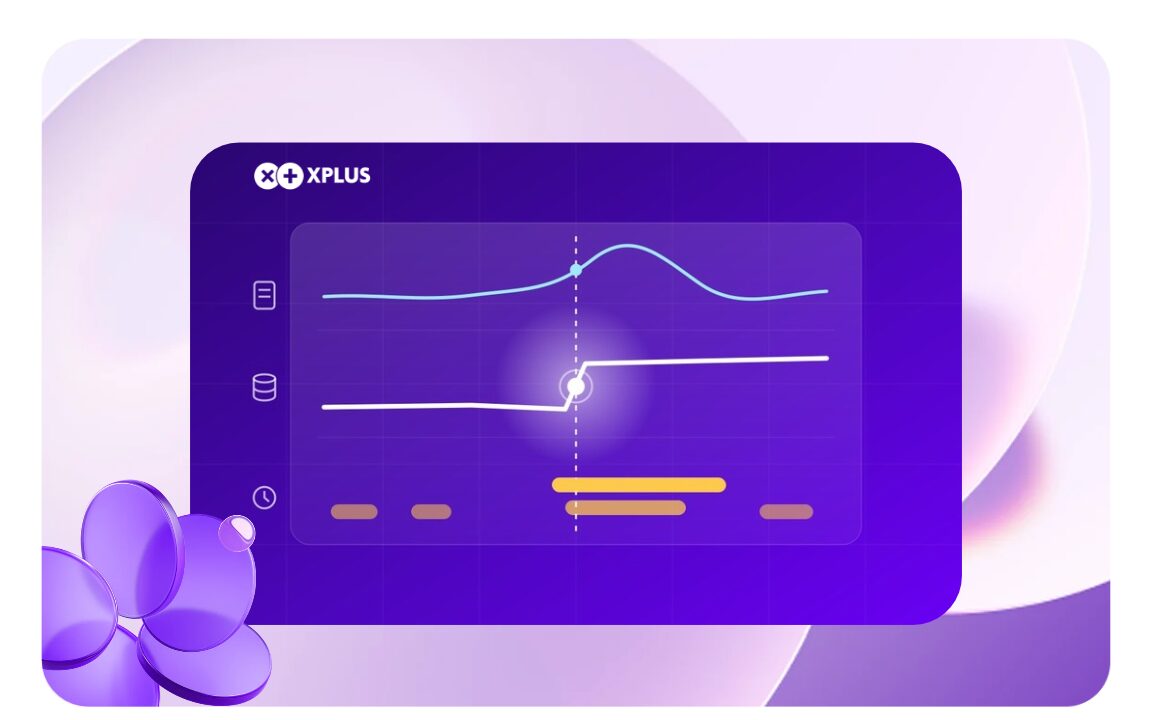
Query Store earns its place as one detailed input into a broader correlated view that also includes AOS load, batch activity, blocking and table growth. When a query regresses, the same investigation can then immediately show what else was happening in the system at that moment, instead of leaving that connection to guesswork.
Performance Monitoring by XPLUS extends Query Store data with correlated SQL, AOS and Batch metrics in one view, so a query regression comes with its full context attached. See the comparison with native D365 tools.
FAQ
What is Query Store used for in Dynamics 365 F&SCM?
Query Store is a native SQL Server feature that captures query execution plans over time. In D365 F&SCM it helps teams see when a plan changed, which often explains why a previously fast query became slow.
Does Query Store need extra agents or licensing?
No. It ships as part of SQL Server, so it can be turned on and left running without an additional agent or a separate licensing conversation.
Can Query Store alert me when performance degrades?
No. It has no built-in alerting, so someone has to know to go looking, usually after a user complaint.
Can Query Store show AOS or Batch activity?
No. Query Store has no concept of AOS or Batch, so it cannot show whether a regressed query coincided with a batch job or AOS load competing for the same resources.
Should Query Store be replaced by another tool?
No. It works best as one detailed input into a correlated view that also covers AOS load, batch activity, blocking and table growth.