Automate processes without added complexity
Power Automate helps organizations reduce manual effort by automating workflows across Dynamics 365 and connected systems. XPLUS helps you apply automation in a controlled, scalable way that supports real operational needs.
Faster execution
Fewer errors
Connected processes

The Problem
Manual processes slow everything down
Manual approvals and hand-offs still sit at the center of many business processes. These processes are time-consuming, error-prone, and difficult to scale. Without automation, teams spend valuable time on repetitive work instead of focusing on higher-value activities.
Benefits
Automation that works at scale
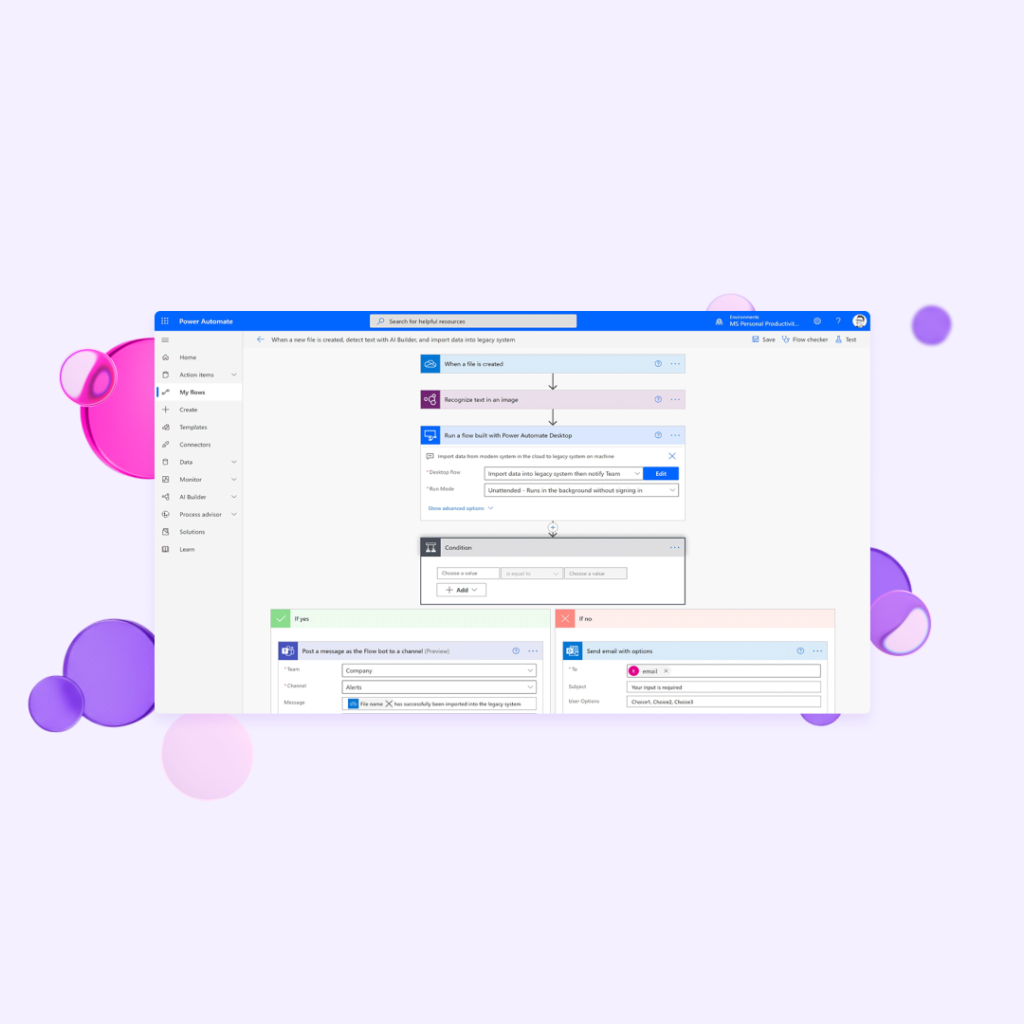
Power Automate helps teams replace manual coordination with reliable, automated workflows that run consistently at scale. Automation reduces effort, improves speed, and supports growth without increasing operational overhead.
Reduce manual effort
Automate repetitive tasks such as approvals, notifications, and data updates. Free up teams to focus on work that requires judgment and expertise.
Improve process consistency
Apply the same logic and rules every time a workflow runs. Reduce errors caused by manual handoffs or inconsistent execution.
Connect systems and data
Trigger workflows across Dynamics 365 and external applications. Keep information flowing between systems without custom integrations.
Respond faster to change
Update workflows quickly as processes evolve. Adapt automation without long development cycles or disruption to operations.
Support governance and control
Manage automation centrally with clear visibility into workflows. Maintain oversight as automation expands across teams and departments.
Roll out automation across teams
Extend automation across departments while keeping workflows stable, predictable, and easy to manage.

Resource
What is the Microsoft Power Platform?
Testimonials
"We were impressed with the technology from XPLUS SA and excited to incorporate it within the ERP portfolio of Microsoft Dynamics 365 to deliver robust governance, efficient user management, and cost-effective licensing strategies for our customers."

Contact us
Your partner in all things Dynamics 365
XPLUS is the only organization to combine hands-on Dynamics 365 implementation projects with automated tools for testing, security, and observability. Contact our team to find out what we can do for you.